AI fashion models · Product photography · Fashion
AI fashion models: on-model clothing photos without a photoshoot
How AI fashion models work, when to use them instead of a shoot, how to keep your garment accurate and what to tell shoppers. A practical guide for brands.
· 3 min read
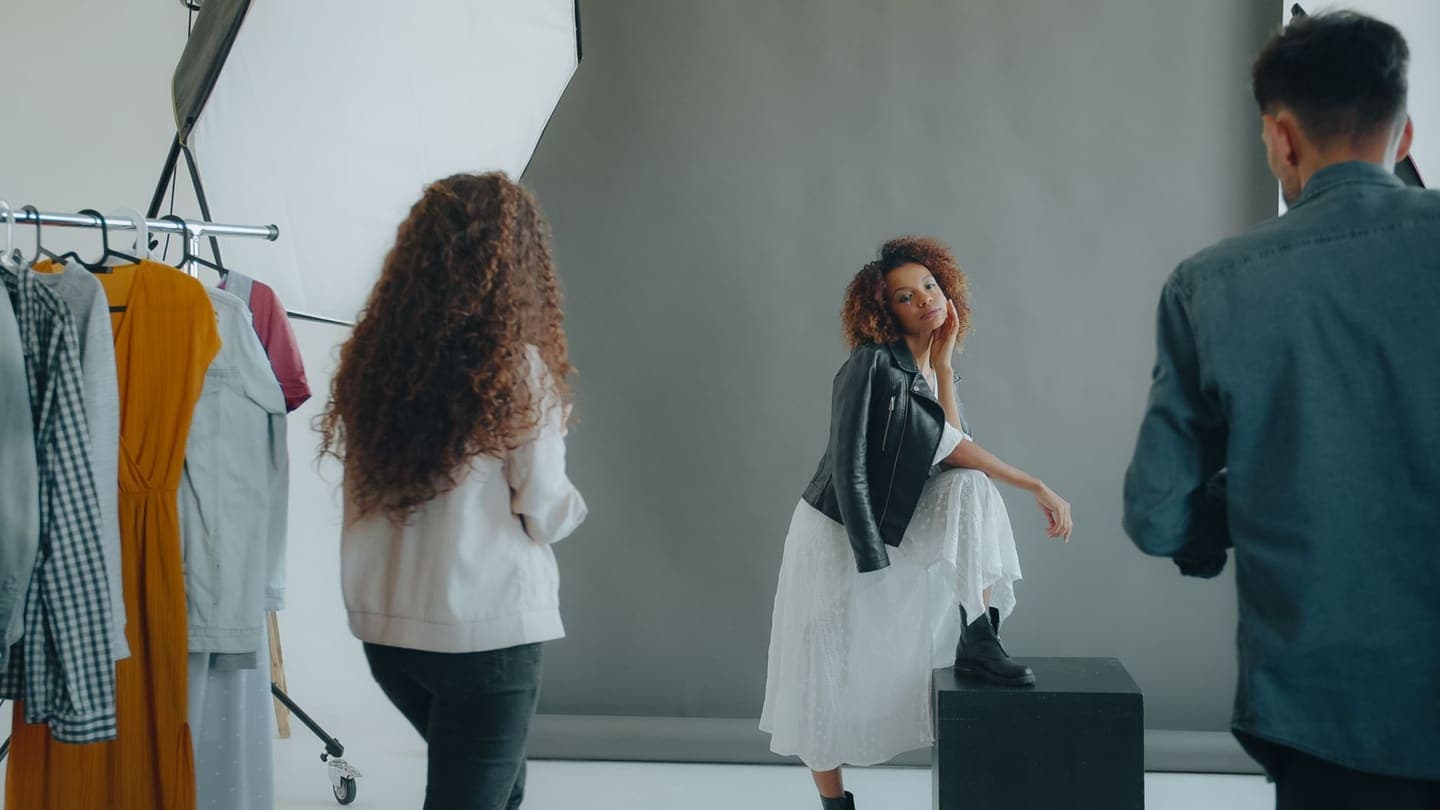
Shoppers buy clothes they can picture on a person. A shirt on a hanger is a shirt; the same shirt on a body is an outfit. But booking a model, a photographer and a studio for every new drop is out of reach for most small brands, so they post hanger shots and hope.
AI fashion models close that gap. From one photo of the garment, you get a photo of it worn by a generated model, in a studio or street scene and the pose you choose. Here's how it works, when it's the right call, and how to use it without misleading anyone.
How AI fashion models work
An AI image model takes your product photo, the garment on a hanger, laid flat or on a mannequin, and generates a person wearing it. The model, the scene and the pose are generated. The garment comes from your photo, and a good tool works hard to keep its colour, print and details as they are.
- Upload the garment on its own.
- Pick a scene, such as studio or street, and a pose: standing, three-quarter turn, walking or hand in pocket.
- Get a photo of your piece on a model, then compare it against the real garment.
When to use an AI model, and when to book a shoot
New stock that needs to go live before a shoot can happen.
Large catalogues where every SKU needs at least one on-model shot.
Testing which styles to push before spending on a campaign shoot.
Showing the same piece in a studio shot for the product page and a street shot for social.
Hero campaign images that define your brand.
Pieces where drape, sheen or movement is the selling point.
Anything where you want to show how a specific size fits a specific body, with measurements.
Keep the garment accurate
The single rule that matters: what arrives must match what was shown. An AI model photo that changes the garment, even slightly, is a return waiting to happen. Before you publish, check:
- Colour, against the real piece in daylight.
- Print and pattern, including where it sits on the garment.
- Details: buttons, pockets, seams, logos and trims.
- Length: a cropped top shouldn't become a full-length one, or the other way round.
If a result gets something wrong, run it again or don't use it. Never publish a photo that shows the product better than it is.
Product photos that give good results
- The whole garment in frame, with nothing cut off.
- Smoothed out. Creases carry through to the model shot.
- Even light and the garment's real colour, without filters.
- One garment per photo. A layered outfit leaves the AI guessing.
Be open about it
Some ad platforms and marketplaces ask you to label realistic AI-generated images, and the rules are changing, so check the current policy wherever you post. Beyond the rules, being open builds trust: a short line such as “model image created with AI; garment shown as it is” is enough for most shoppers. Don't present an AI model as a real customer, or an AI photo as a review.
AI model or virtual try-on?
They do different jobs. An AI model shows the garment on a person, which helps every shopper picture it. Virtual try-on shows it on the shopper themselves, from their own photo, which answers “will it suit me?”. Many brands use both: AI model shots on the product page, and a Try it on button beside them.
Turn your next take into a video people finish.
Captions timed to every word, a pinned hook and a tighter edit, all from the footage you already have.
Start free