PHOTO TOOL
Remove the background, keep every edge.
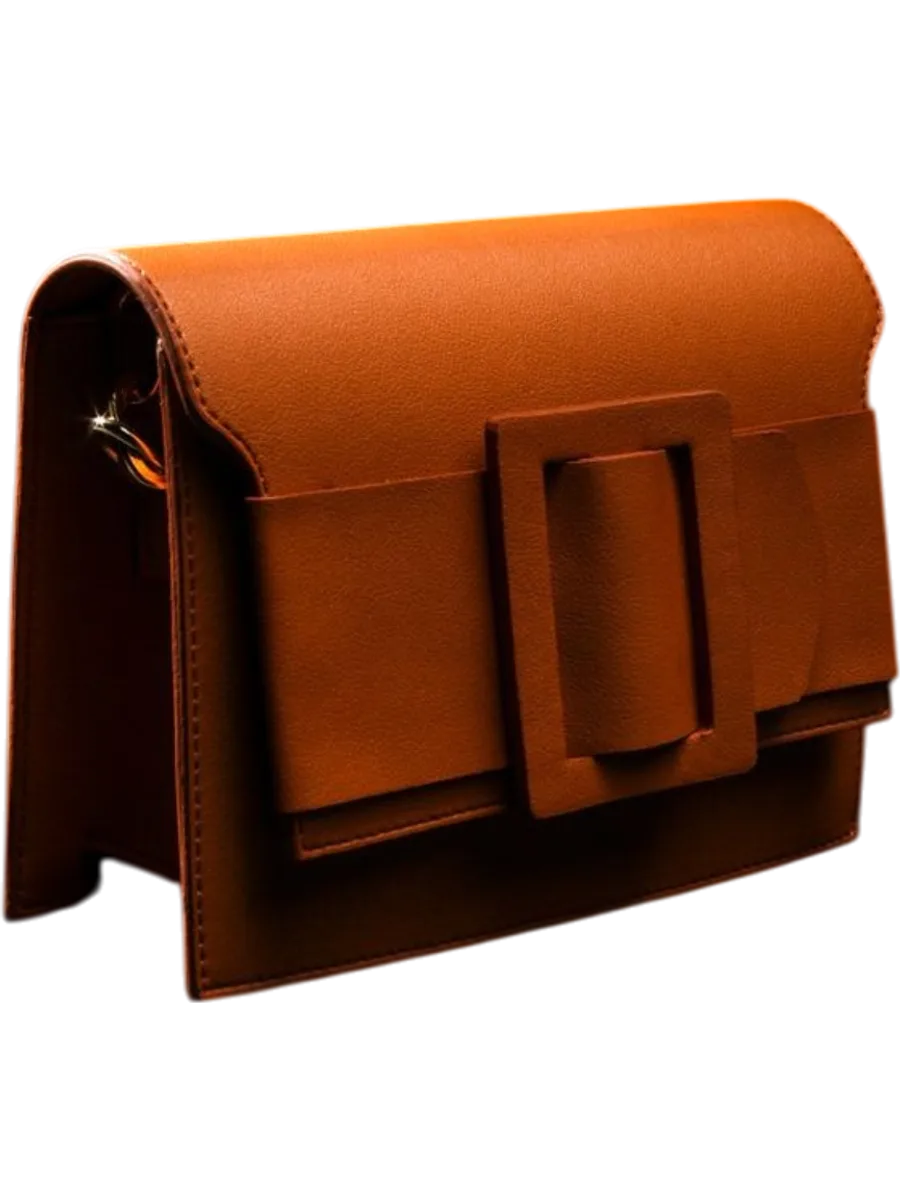
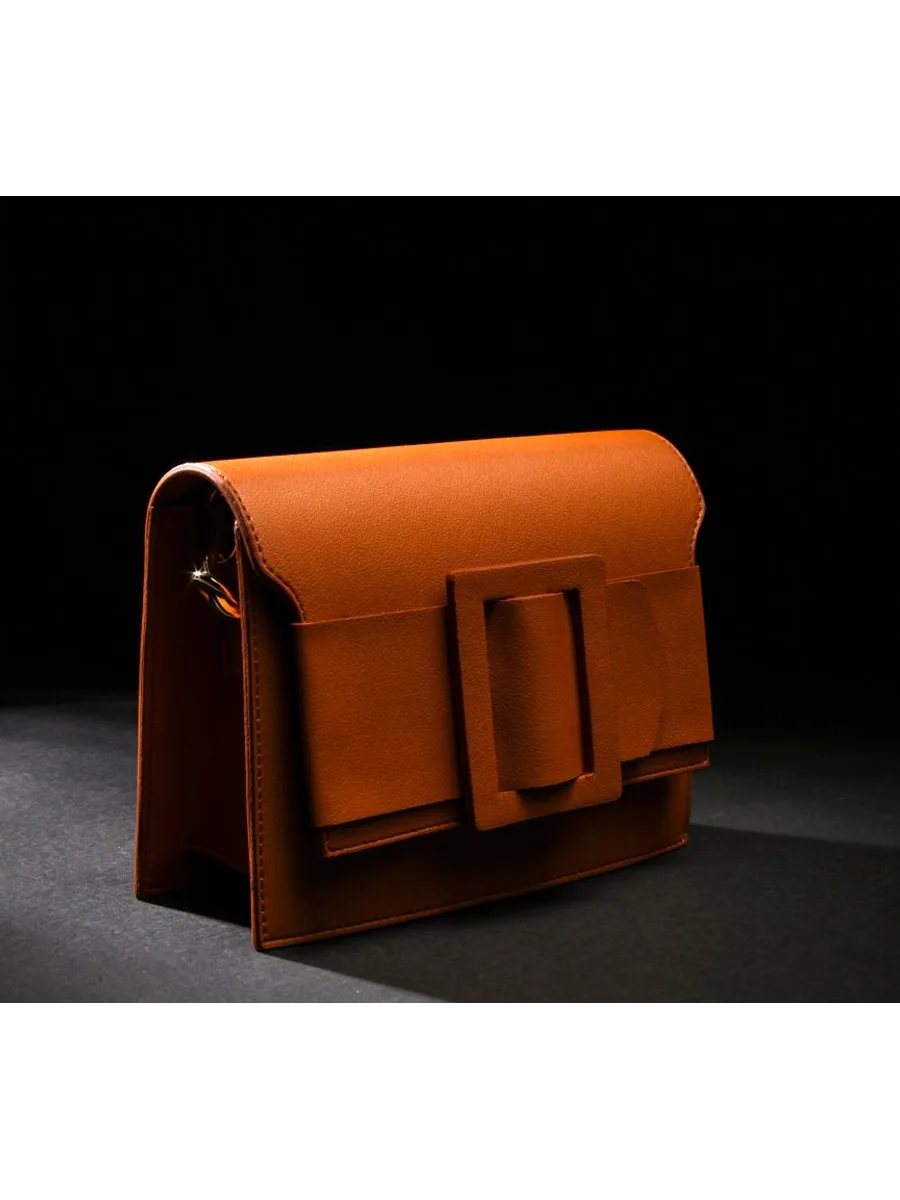
Drop a product photo and get a clean, transparent cut-out back: hair-fine edges, straps and handles kept, the clutter behind it gone. It is the starting point for white backgrounds, new scenes and ads.
2 credits a photo. The Free plan includes 20 credits a month.
⇆
How it works
- STEP 1
Upload a product photo, taken anywhere.
- STEP 2
Clara cuts the product out, edges and all.
- STEP 3
Download a transparent PNG, or keep editing it.
Made for
Questions people ask
- What file do I get back?
- A PNG with a transparent background, at the size of your photo. Put it on any colour, in any scene, or straight into a listing.
- Does it work on busy backgrounds?
- Yes. A messy table or a crowded shop floor is the usual case. If two objects are in the shot, use Keep one item and name the one you want.