Flat lay · Product photography · Fashion
Flat lay photography for clothing: how to style it, or generate it
How to shoot a clean overhead flat lay of clothing and accessories: layout, light, props and angles. Plus how to make one from a photo you already have.
· 3 min read
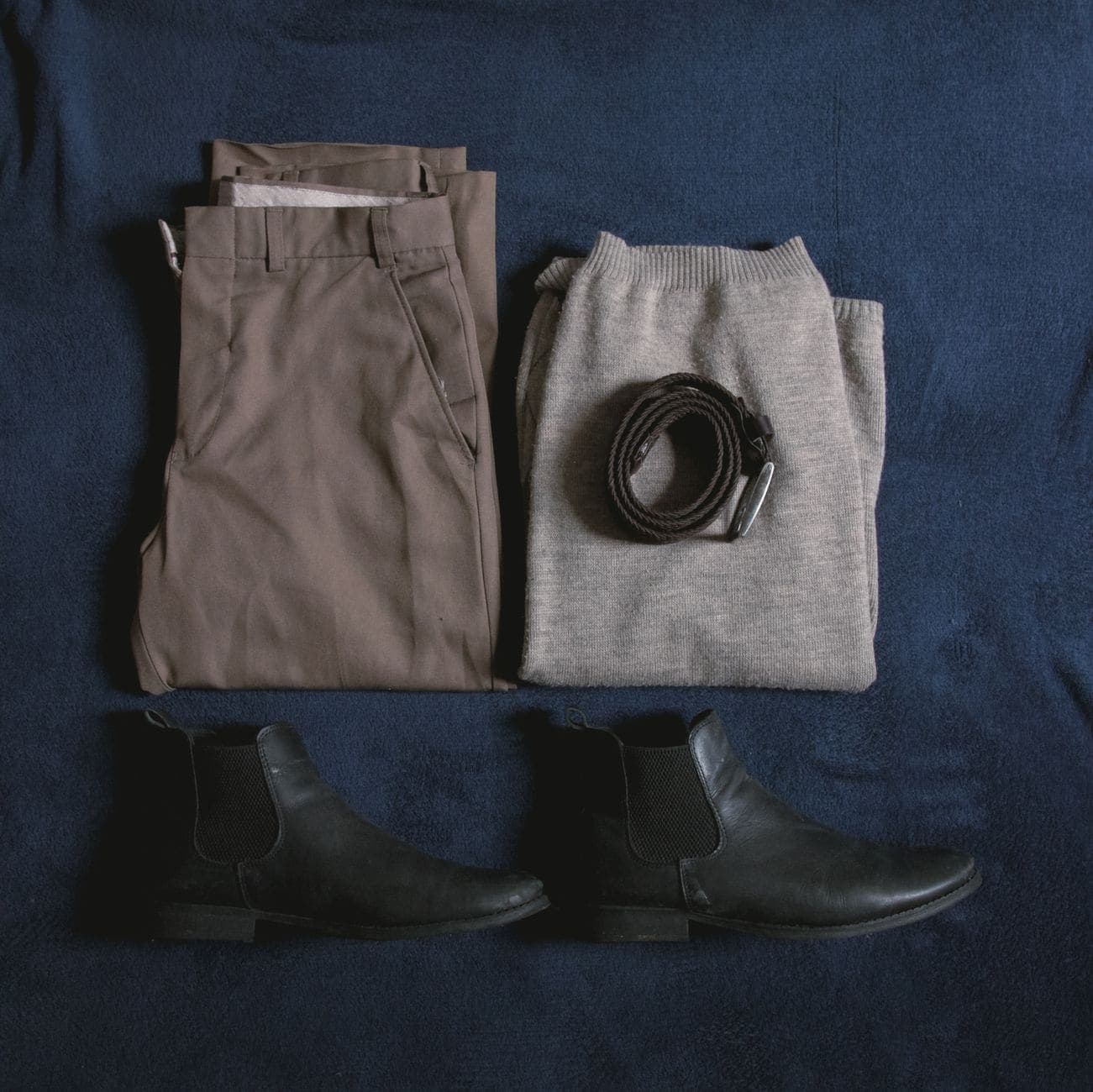
A flat lay is a product photographed from directly above, laid out neatly on a surface. It's one of the most common looks in fashion and lifestyle, because it shows the whole piece at once, works without a model, and looks good in a grid. It's also harder to get right than it looks: one tilted angle, one shadow or one crease and it falls apart.
Here's how to shoot a flat lay that looks professional with a phone, and how to make one from a photo you already have when you don't have the time or the space.
When a flat lay is the right shot
- Clothing where the shape is simple and the print or colour sells it: T-shirts, knitwear, kids' clothes, swimwear.
- Outfits and bundles, where you want to show what goes together.
- Accessories and small sets: scarves, bags, wallets, jewellery, gift boxes.
- Instagram and Pinterest grids, where top-down shots line up neatly.
It's less good at showing fit. For that, pair it with a shot on a model or a ghost mannequin.
How to shoot a flat lay with a phone
A plain surface: white foam board, a light wooden floor, a linen sheet.
Daylight from a window to one side. Turn off ceiling lights, which add a yellow cast.
A sheet of white card on the opposite side to bounce light into the shadows.
Directly above, with the phone parallel to the floor. Stand on a sturdy chair or use an overhead mount.
Turn on your camera's grid and line the edges of the garment up with it.
Shoot a little wider than you need and crop later, so nothing gets cut off.
Steam the garment first. Creases are very visible from above.
Fold sleeves in a natural way, or angle them slightly so it looks alive, not flattened.
Tuck tissue paper inside to give the body some shape.
Leave space around the product so it can breathe in a square crop.
Props: less is more
Props tell a story: sunglasses and a shell for a beach cover-up, a coffee cup and a book for a cosy jumper. But every prop competes with the product. Use one to three, keep them smaller than the product, and make sure none of them could be mistaken for something you're selling.
Make a flat lay from a photo you already have
Not every product gets a proper flat-lay shoot. Some arrive the day before launch, some are only photographed on a hanger or being worn. AI can restage a product as a clean overhead flat lay from a photo you already have. In Clara:
- Upload a clear photo of the product: worn, hung or folded.
- Choose Flat lay. Clara lays the piece out as an overhead shot.
- Download it, or keep editing: change the background, add a shadow or upscale it.
As with any generated image, check the result against the real product: the print, the colour, the number of buttons, the length of the straps. The layout is generated; the details must still be true.
Common flat-lay mistakes
- Shooting at an angle, so the garment looks wider at the bottom than the top.
- A shadow from your own head or phone across the product.
- Too many props, so the eye doesn't know where to land.
- Colour cast from a warm bulb, so white looks cream.
- Every product laid out differently, so the grid looks messy.
Turn your next take into a video people finish.
Captions timed to every word, a pinned hook and a tighter edit, all from the footage you already have.
Start free