Product photography · Fashion · Photo editing
How to remove wrinkles from clothes in product photos
Creases make good clothes look cheap online. How to prevent them on shoot day, and how to fix wrinkles in photos you've already taken, without a reshoot.
· 3 min read
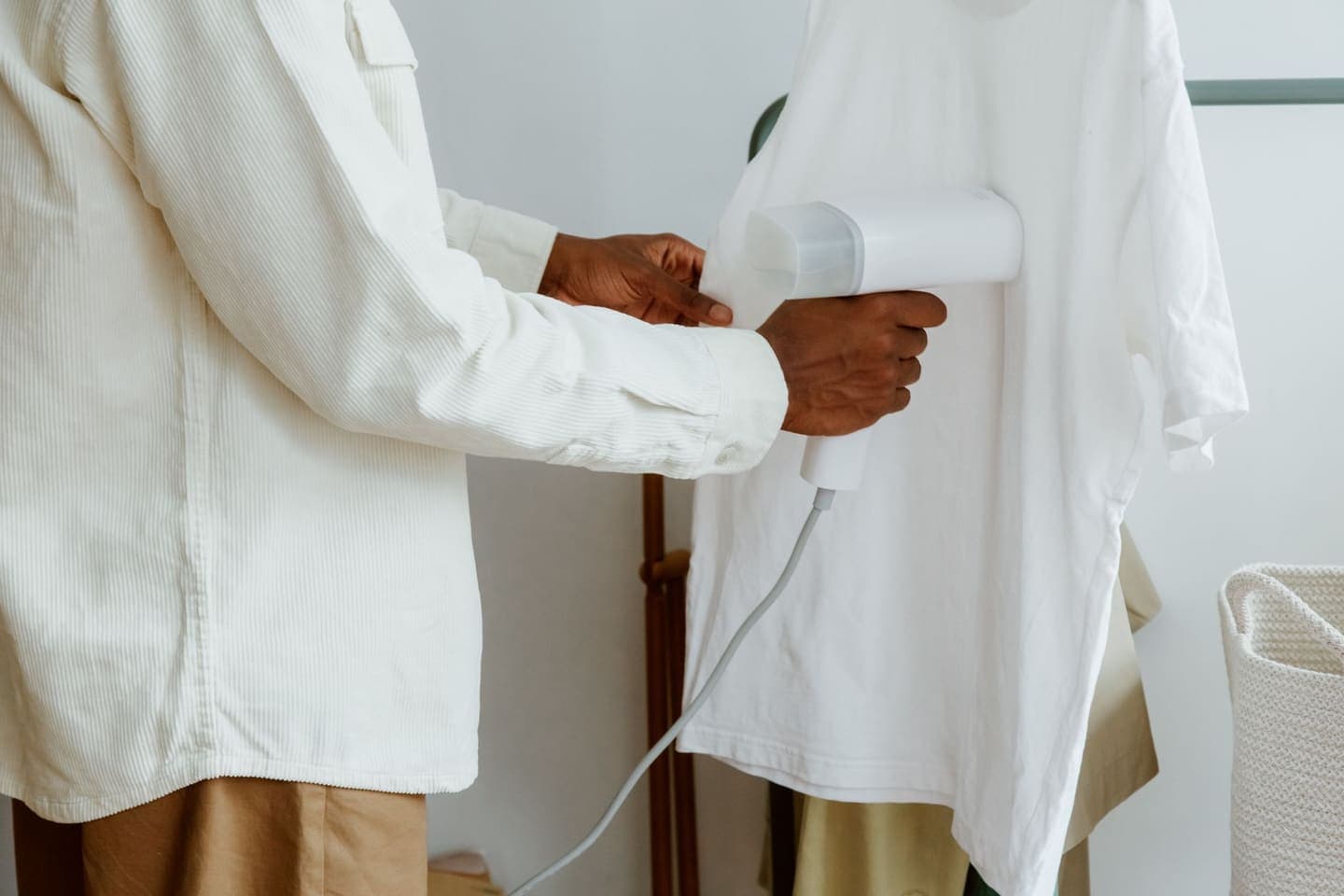
Nobody notices a crease on shoot day. Everybody notices it on the product page. A shirt straight out of its packet, a dress that sat folded in a box, a pair of trousers that spent the morning on a chair: the fold lines show up sharp in a photo, and to a shopper they say “cheap” or “second-hand”, whatever the garment really is.
Here's how to stop wrinkles getting into your photos in the first place, and how to fix the ones that already have, without steaming everything again and reshooting.
Why wrinkles cost you sales
- They hide the cut. Creases break up the line of a garment, so the shopper can't see how it hangs.
- They look like damage. A deep fold across the front reads as a flaw, not as packaging.
- They make a catalogue look uneven. One creased shirt in a grid of crisp ones is the one shoppers remember.
- They show up most in zoom, which is exactly where a careful buyer looks before paying.
Before the shoot: prevent them
- Steam rather than iron. A handheld steamer is faster, works on a hanger and doesn't leave shine marks on dark fabrics.
- Hang garments the night before. Many light creases drop out on their own.
- Shoot straight after steaming. Folding a garment again to move it brings the creases back.
- Use tissue paper inside sleeves and bodies to fill out the shape, so the fabric doesn't collapse into folds.
- Check the photo on a big screen before moving on. Creases are easy to miss on a camera's small display.
After the shoot: fix wrinkles in the photo
The traditional fix is retouching by hand: a healing brush, frequency separation and a lot of care, because smoothing too far wipes out the fabric's texture and makes it look plastic. It works, but it takes real time per photo and a skilled hand.
AI can now do the same job in seconds. In Clara, you upload the photo, choose Unwrinkle, and it smooths the creases out of the fabric while leaving the rest of the picture alone.
- Upload the clothing photo: on a model, a mannequin, a hanger or laid flat.
- Choose Unwrinkle. Clara presses out the creases and folds.
- Compare before and after, then download, or carry on with another edit such as a new background.
Keep the texture, and keep it honest
Removing creases is not the same as changing the fabric. A good fix takes out the folds and leaves the weave: linen still looks like linen, knit still looks like knit. Check the result at full size. If the fabric looks smoother or shinier than the real thing, it'll come back as “not as described”.
- Do remove packing folds, hanger marks and creases from handling.
- Don't remove wrinkles that are part of the garment, such as pleats, ruching, crinkle fabrics or a deliberate washed look.
- Don't hide real damage. A pulled thread or a stain needs fixing on the garment, not in the photo.
Fabrics that crease the most
Linen, cotton poplin, silk and viscose crease the most, and they're also the fabrics where a crisp photo matters most, because shoppers already worry they'll arrive creased. Knits, jersey and polyester blends crease less, but still pick up fold lines from packaging.
If most of your catalogue is linen or cotton, it's worth saying in the description how the fabric behaves: “relaxed linen, softens with wear”. Honest words next to a crisp photo set the right expectation.
Turn your next take into a video people finish.
Captions timed to every word, a pinned hook and a tighter edit, all from the footage you already have.
Start free