Product video · AI video · Short-form video
How to turn a product photo into a video for TikTok, Reels and ads
Video gets watched where photos get scrolled past. How to make a short product video from one photo, what makes it work, and where to post it.
· 2 min read
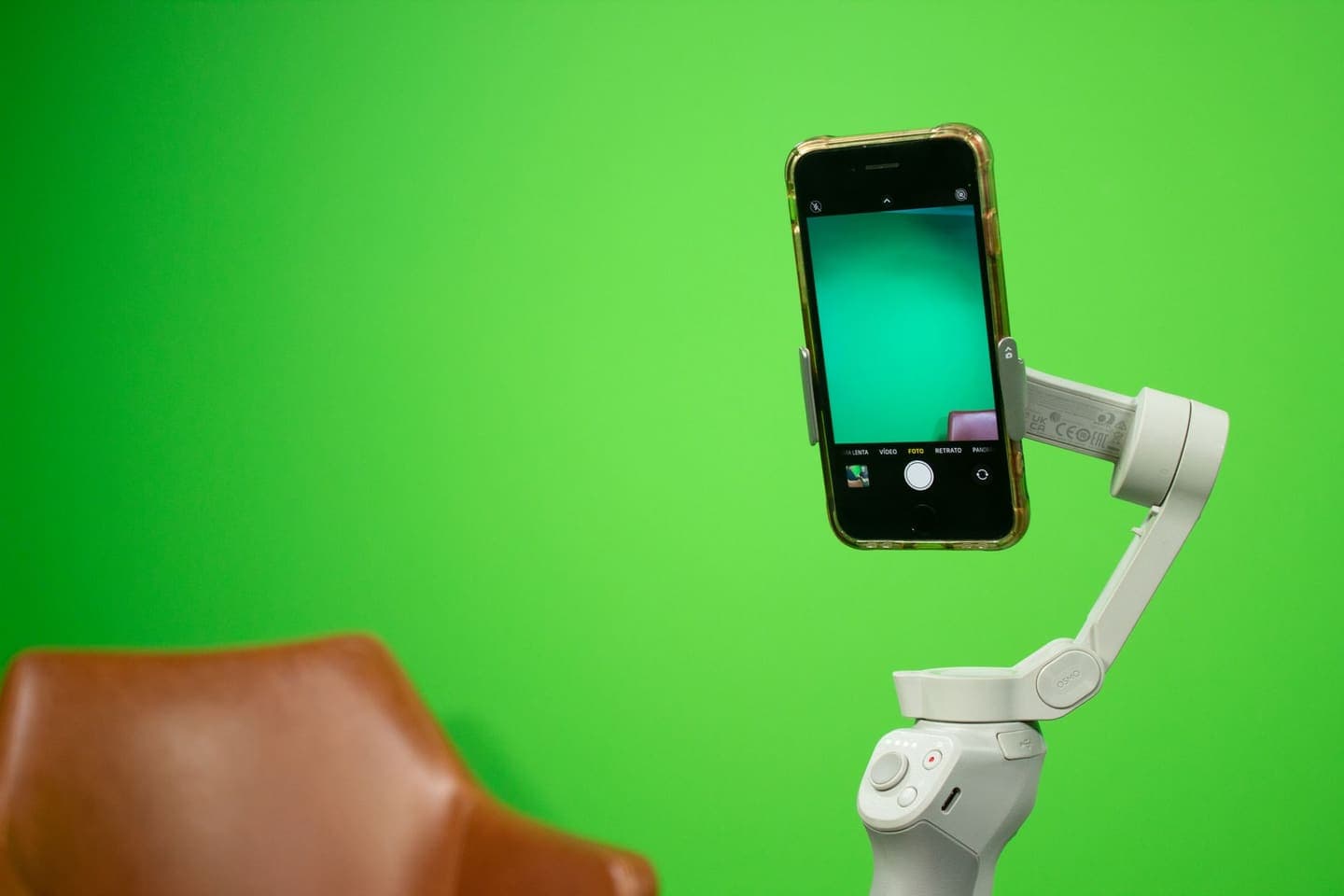
On TikTok, Reels and Shorts, a still photo is something to scroll past. Movement catches the eye. That's why so many sellers search for how to turn a product photo into a video: they have good photos, no time to film, and a feed that rewards video.
The good news is that one strong product photo is now enough to make a short, finished product video. Here's how it works, what makes one worth watching, and where to use it.
Three ways to turn a photo into a video
- Slideshow: several photos with transitions and music. Quick and free in most editing apps, but it looks like a slideshow.
- Motion effects: a slow zoom or pan across one photo. Better, but still clearly a still image.
- AI-generated motion: an AI video model animates the product itself, with the camera moving around it, light shifting or the product in use. This is the closest to a filmed clip.
How to make one with AI
In Clara, you start from a product photo or paste a product link. Clara generates a few seconds of motion from the photo and builds a finished, captioned reel around it, with your product name, price and call to action drawn exactly, not left for the AI to guess. Then you edit anything and export it for each platform.
- Upload a product photo, or paste the link to your product page.
- Clara generates the motion and builds the reel.
- Change the text, the call to action or the music, then export for TikTok, Reels, Shorts or ads.
What makes a product video worth watching
- The product in the first second. Don't open on a logo.
- One clear message: what it is, or the one problem it solves.
- Text on screen. Many people watch with the sound off.
- Vertical, 9:16, for TikTok, Reels and Shorts.
- Short. A few seconds of motion and a clear call to action is enough for a product clip.
- The price, if it's a reason to buy.
Start with a good photo
The video can only be as good as the photo it's made from. Use the sharpest, best-lit photo you have, with the whole product in frame and a clean background. If your photo is dark or cluttered, fix it first: relight it, or remove the background. A clean photo gives the AI less to guess.
Where to use product videos
- TikTok, Instagram Reels and YouTube Shorts, as organic posts.
- Paid social ads, where you can test several versions against each other.
- Your product page, beside the photos, so shoppers see it moving.
- WhatsApp Status and Stories, where many sellers already find buyers.
Keep it honest
AI motion is generated. Check every clip before you post it: the product's shape, colour, label and size should look the same as in the photo. If the AI shows the product doing something it can't, such as a bag that suddenly has an extra pocket or a lamp that glows brighter than it does, don't use that clip.
Turn your next take into a video people finish.
Captions timed to every word, a pinned hook and a tighter edit, all from the footage you already have.
Start free