PHOTO TOOL
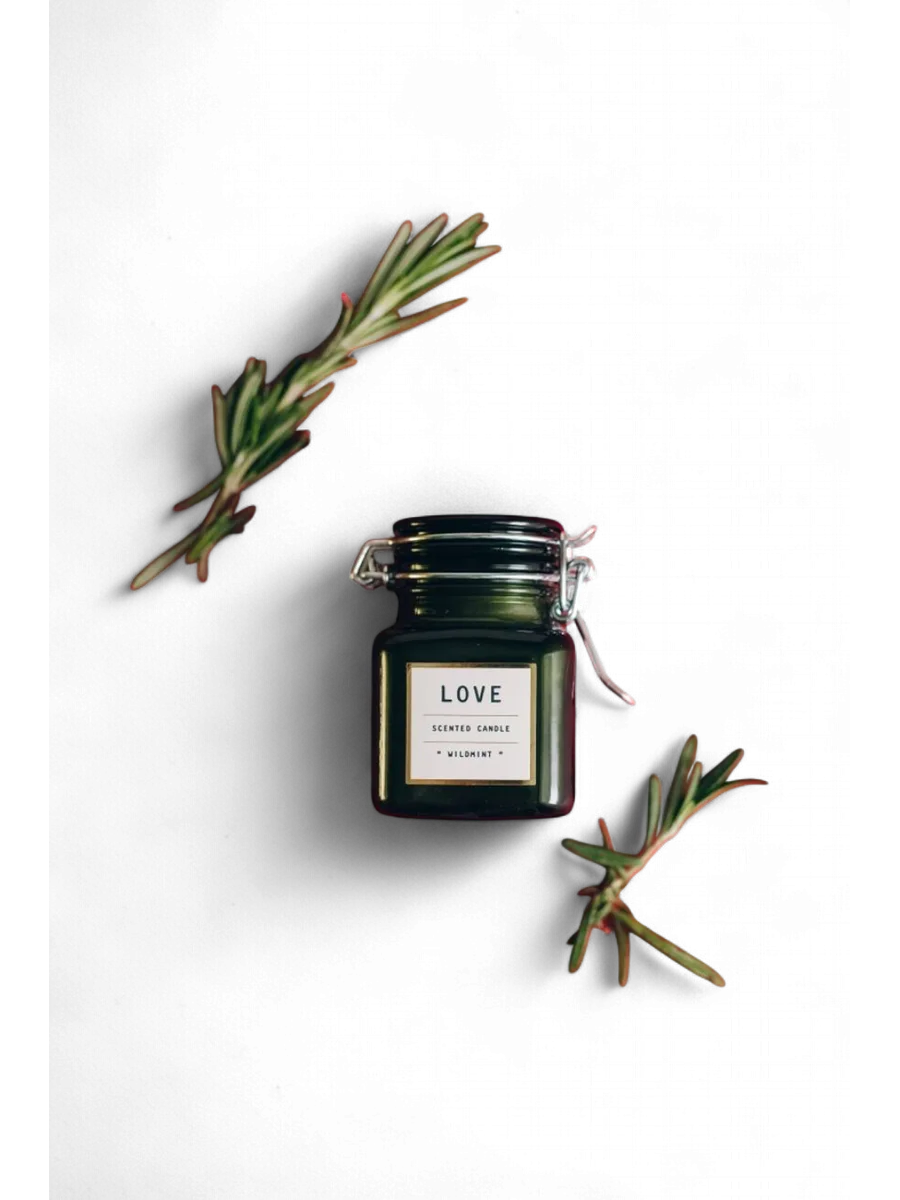
A shadow that makes it sit on the page.
A cut-out with no shadow floats. Clara cuts the product out and grounds it with a soft shadow, so it looks like it is standing on something, which is how a shopper expects a real thing to look.
7 credits a photo. The Free plan includes 20 credits a month.

⇆
How it works
- STEP 1
Upload the product photo.
- STEP 2
Clara cuts it out and adds a soft contact shadow.
- STEP 3
Download it on white or keep editing.
Made for
Questions people ask
- Why add a shadow to a white-background photo?
- Without one, a product can look pasted on. A soft shadow gives it weight and makes a listing look photographed rather than edited.
- Can I add a shadow to a cut-out I already have?
- Yes. A transparent PNG keeps its edges and gets the shadow under it.