PHOTO TOOL
Make the background transparent.
Drop in a photo and get the subject back on a transparent background, ready to place on a website, a poster or a product listing. Edges stay clean, including straps, handles and fine detail.
2 credits a photo. The Free plan includes 20 credits a month.
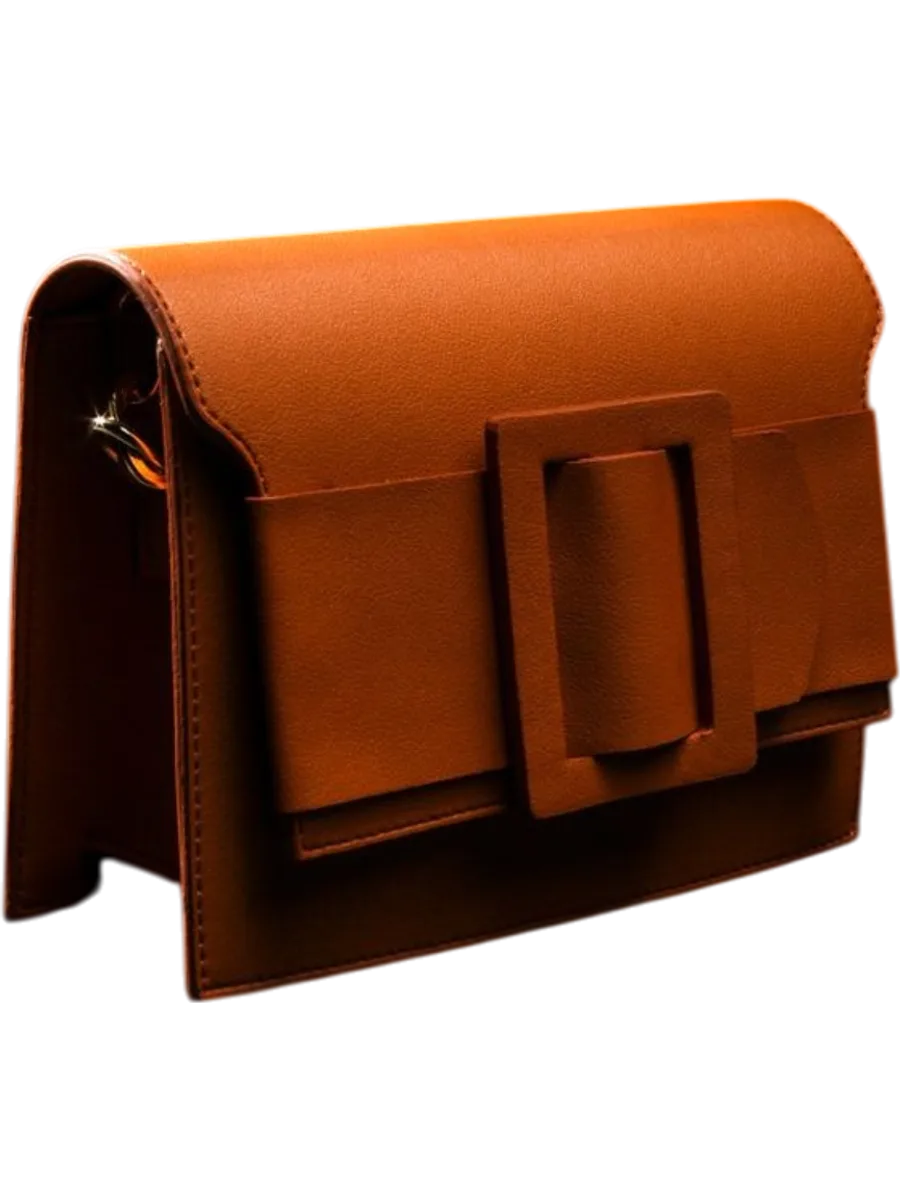
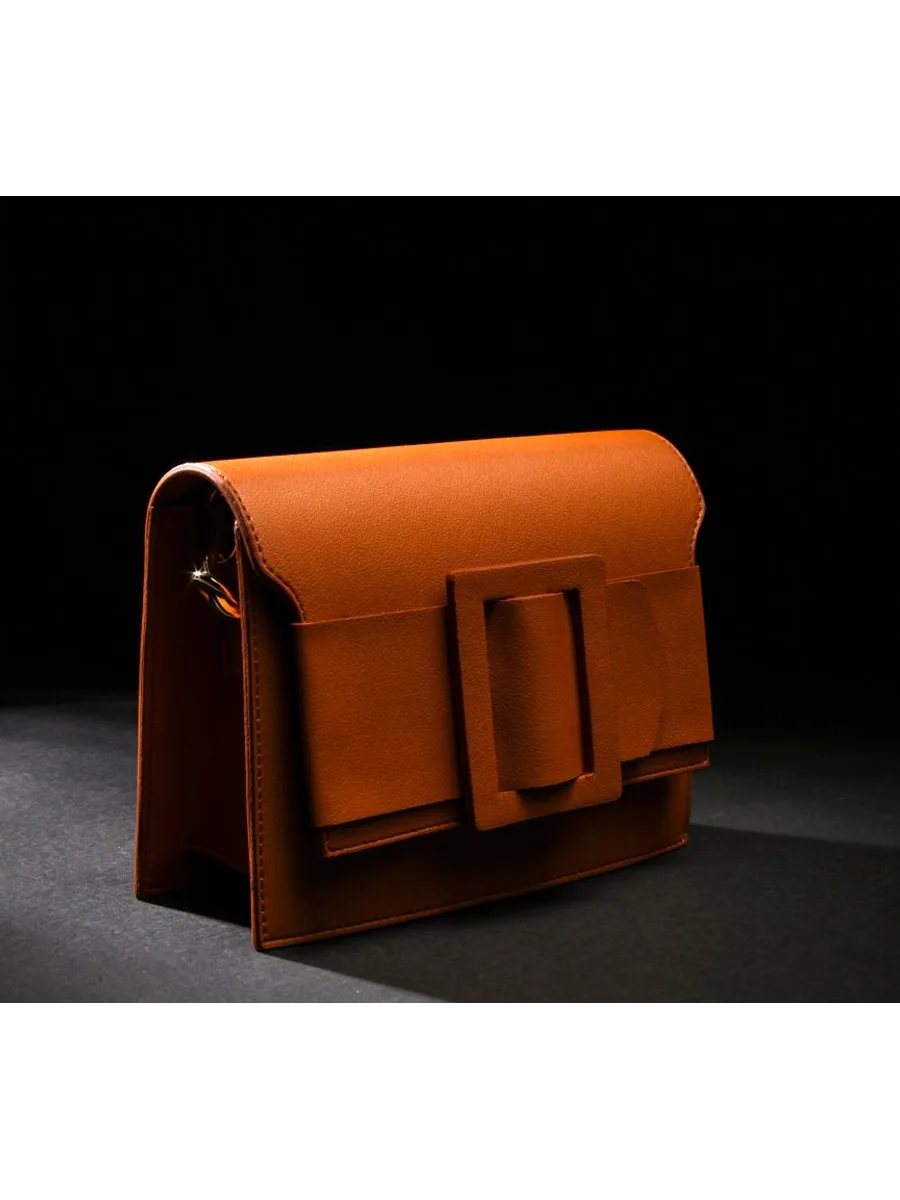
⇆
How it works
- STEP 1
Upload your image.
- STEP 2
Clara removes the background.
- STEP 3
Download a transparent PNG.
Questions people ask
- How do I remove a white background from an image?
- Upload it as normal. Clara finds the product and removes everything behind it, white or not, and returns a transparent PNG.
- Which file type keeps the transparency?
- PNG. A JPG cannot hold transparency, so Clara returns a PNG for cut-outs.