PHOTO TOOL
Change the background to clean white.
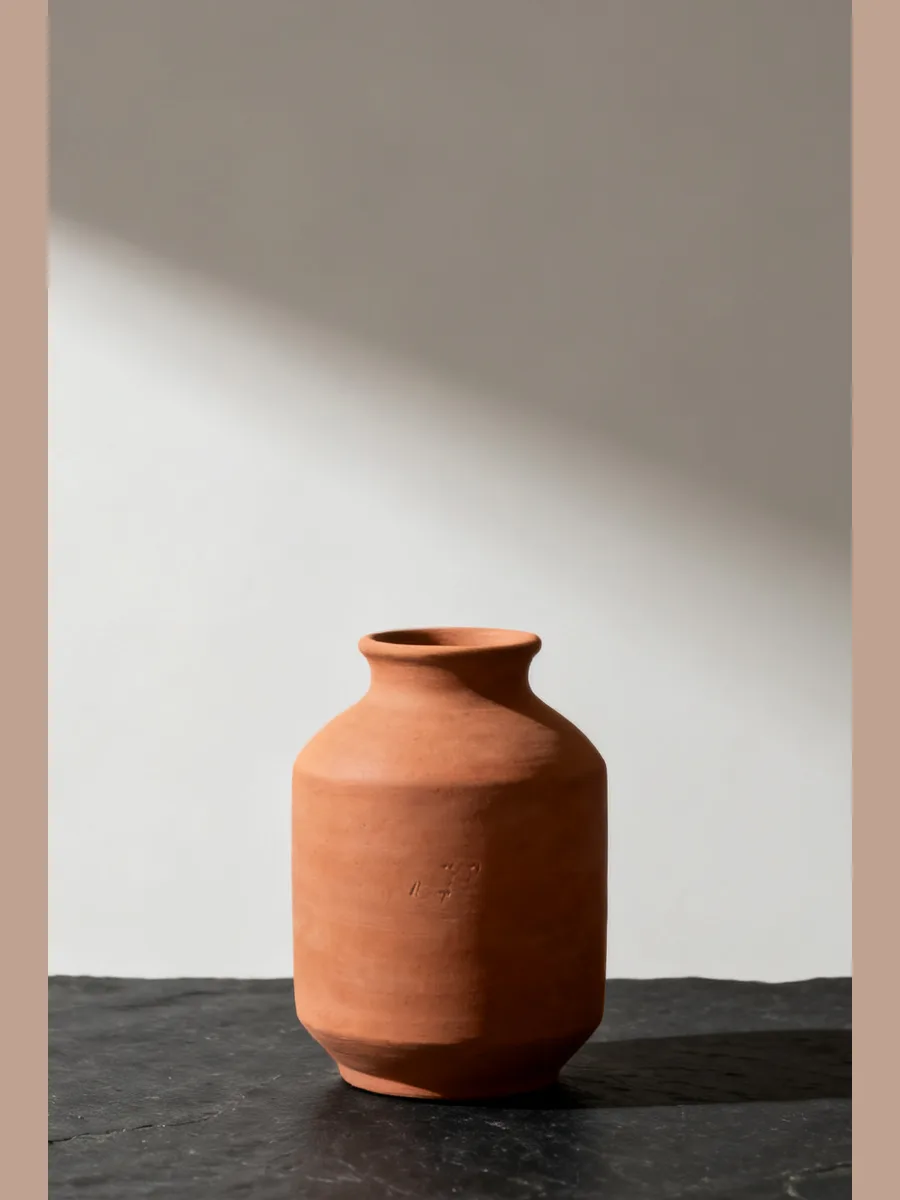
Most shops want the same thing from a product photo: the product, on white, with nothing else in the frame. Clara cuts your product out and sets it on a plain white background, with a soft shadow so it does not float.
7 credits a photo. The Free plan includes 20 credits a month.

⇆
How it works
- STEP 1
Upload a product photo, taken anywhere.
- STEP 2
Choose a white studio background.
- STEP 3
Download the finished photo, or keep editing it.
Questions people ask
- Can I turn a photo background white for free?
- Yes, to start. The Free plan includes credits every month, and the note under the button shows what one photo costs. See pricing for what each plan adds.
- Does it change my product?
- No. The product is cut out and kept as photographed. Only the background and the shadow under it are new.
- What if I want a different colour?
- Pick any plain studio colour, or describe a scene with the AI background generator instead.